Most teams don’t realize how much time they lose every week just trying to find a conversation.
A message gets buried in email. A decision happens in one app that half the team doesn’t check. A file gets shared three different ways, and nobody’s sure which version is current.
It adds up fast — and it’s not just annoying. It’s expensive.
That’s the problem Messagenal was built to solve. It brings your entire team’s communication into one organized, searchable place — so everyone stays aligned without the chaos.
What Is Messagenal?
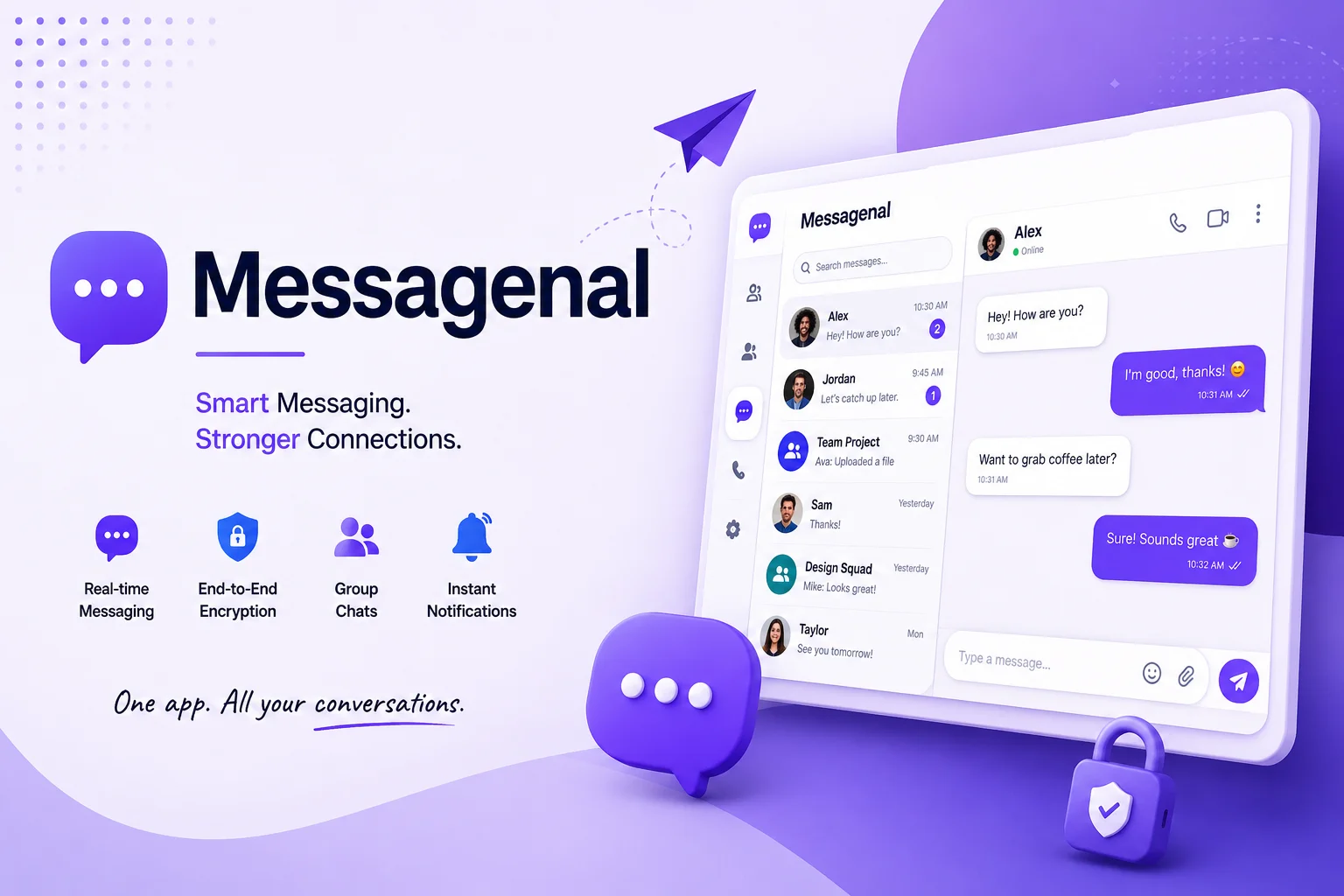
Messagenal is a unified team communication platform that replaces fragmented emails, scattered texts, and siloed chat apps with a single workspace designed for how modern teams actually work.
Think of it as a central hub where your team can message in real time, organize conversations by project or topic, share files instantly, and connect all the tools you already use — without needing to switch between five different tabs.
It’s built for clarity. Whether your team works in one office, across time zones, or in a hybrid setup, Messagenal gives everyone the same clear view of what’s happening and what needs to happen next.
Why Teams Are Moving Away From Email
Email made sense in 1995. In today’s fast-moving workplaces, it creates more friction than it solves.
The average worker receives dozens of emails a day, but most of them are internal updates, quick questions, or file attachments that never needed a subject line in the first place. Sorting through that clutter takes real time — time that could go toward actual work.
Messagenal strips away that friction. Instead of writing “Per my last email…” for the fifth time in a thread, your team just talks. Short, direct, organized by topic. The kind of communication that actually moves things forward.
Core Features That Set Messagenal Apart
Messagenal isn’t trying to do everything. It’s designed to do the most important things exceptionally well.
Organized Channels
Create dedicated spaces for every team, project, or topic. A channel for your Q3 launch. Another for engineering standups. One just for the social committee. Everything lives where it belongs, which makes finding old conversations effortless.
Direct Messaging
Not every conversation needs an audience. Send private, encrypted messages to any teammate in seconds — no email thread required.
File Sharing
Drop documents, images, spreadsheets, and videos directly into any conversation. Files stay attached to the context where they were discussed, so you always know why something was shared.
Smart Search
Find any message, file, or link from months ago with a single keyword. No more digging through folders or scrolling endlessly — Messagenal surfaces what you need immediately.
Status Indicators
Let your team know when you’re available, in a meeting, or in deep focus mode. Simple, but it prevents a lot of interruptions.
These features aren’t extras — they’re the foundation of what makes Messagenal genuinely useful day to day.
How Messagenal Compares to Traditional Tools
Here’s a straightforward look at how Messagenal stacks up:
| Feature | Messagenal | Traditional Email | Basic Chat Apps |
|---|---|---|---|
| Message Delivery | Instant | Delayed by checking habits | Instant |
| Organization | Channel-based, topic-focused | Cluttered inboxes | Flat contact lists |
| File Search | Smart, keyword-based | Slow, folder-dependent | Extremely limited |
| App Integration | Native, built-in connections | Requires third-party add-ons | Basic linking only |
| Data Security | Enterprise-grade encryption | Standard spam filtering | Inconsistent privacy |
| Overall Value | High ROI, flat pricing | Hidden storage and licensing costs | Free but limited at scale |
The pattern here is consistent: Messagenal delivers more organization, better security, and faster workflows — all without requiring add-ons or workarounds.
Getting Started: How Messagenal Setup Works
Setting up Messagenal takes about five minutes, not five days.
You start by visiting the Messagenal website and entering your work email address. A magic link lands in your inbox, and from there you create a password, add your company name, and upload a logo if you’d like.
The setup wizard walks you through your first channels automatically — prompting you to think about how your team is structured rather than just dumping you into a blank workspace. Once that’s done, you can invite teammates via email or a shareable link.
By the time everyone joins, the space already feels organized. That’s intentional.
Security and Data Privacy at Messagenal
Messagenal treats security as a baseline requirement, not a premium feature.
Every message is encrypted in transit and at rest. Administrators can control access permissions at a granular level — choosing exactly who can see which channels or message history. Two-factor authentication is available for every user account, and remote device wipe lets you remove company data from lost or stolen phones immediately.
For teams in regulated industries or those handling sensitive client information, these aren’t nice-to-haves. They’re essential. Messagenal delivers them as standard.
Integrations: Messagenal Fits Into Your Existing Stack
You’ve already invested in tools that work for your team. Messagenal doesn’t ask you to abandon them.
The platform connects natively with Google Workspace, Microsoft 365, Trello, Salesforce, and a growing library of other workplace apps. When a task gets completed in your project management tool, Messagenal posts an automatic notification to the relevant channel. When a calendar event is about to start, your team sees a reminder in the right conversation.
The result is a workspace where information flows automatically — not manually.
Messagenal for Remote and Hybrid Teams
Remote work doesn’t fail because people are in different places. It fails because communication breaks down.
Messagenal is built to bridge that gap. Video calls launch directly from any chat window, so you’re never hunting for a meeting link. Presence indicators show who’s online and available in real time. Channel-based conversations keep distributed team members in the loop even across different time zones.
For hybrid teams — where some people are in the office and others aren’t — Messagenal creates a level playing field. Everyone sees the same conversations, has access to the same files, and participates in decisions without needing to be in the same room.
Best Practices for Getting the Most From Messagenal
The platform does a lot of the work for you, but a few habits make a big difference:
- Be specific with channel names. “Marketing” is too broad. “Q3 Campaign — Social Content” tells you exactly what belongs there and makes search much easier later.
- Use statuses honestly. When you need deep focus time, set yourself to Do Not Disturb. Your team will respect it — and you’ll get more done.
- Pin important decisions. Every channel has a pin feature. Use it for key decisions, links, or documents that the whole team needs to reference regularly.
- Archive inactive channels. Keep your workspace clean by archiving channels once a project wraps up. The history stays searchable — it just won’t clutter your sidebar.
Small habits, significant impact.
Measuring Communication Health With Messagenal Analytics
Good communication is measurable — and Messagenal gives you the tools to track it.
The built-in analytics dashboard shows which channels are most active, how quickly messages are being read and answered, and where response times are falling behind. If a project channel has gone quiet for several days, you’ll see it before it becomes a problem.
For team leads and managers, this visibility is genuinely valuable. It turns communication from something you assume is working into something you can actually observe and improve.
Who Should Use Messagenal?
Messagenal works well for a wide range of teams, but it’s especially valuable for:
- Growing companies that have outgrown email but haven’t found a communication tool that scales cleanly
- Remote and distributed teams that need consistent, reliable communication across locations
- Project-heavy organizations where multiple workstreams need to run in parallel without getting confused
- Teams switching from outdated tools that are losing time to inbox overload or scattered apps
If your team spends more time looking for information than acting on it, Messagenal is built for you.
The Bigger Picture: Why Unified Communication Matters
There’s a reason so many organizations are investing in communication infrastructure right now. The workplace has changed — more distributed, more asynchronous, more dependent on digital tools than ever before.
In that environment, the teams that communicate clearly have a genuine competitive advantage. They make faster decisions. They waste less time on misunderstandings. They keep projects moving even when people are working from different continents.
Messagenal is designed for exactly that kind of team. Not by adding complexity, but by removing it.
Frequently Asked Questions
What exactly is Messagenal?
Messagenal is a team communication platform that consolidates workplace conversations, file sharing, and app integrations into one organized workspace. It’s designed to replace scattered emails and disconnected chat apps with a single, searchable hub.
Is Messagenal free for small teams?
Yes. Messagenal offers a free plan that includes unlimited messaging and basic file sharing — enough for small teams to get real value before upgrading. Paid plans add advanced admin controls, increased storage, and priority support.
Does Messagenal work on mobile?
Yes. Dedicated apps are available for both iOS and Android. They sync in real time with your desktop workspace, so you stay connected whether you’re at your desk or on the move.
How does Messagenal protect company data?
Messagenal uses enterprise-grade encryption for all messages, both in transit and at rest. It also supports single sign-on (SSO) and two-factor authentication to prevent unauthorized access.
What tools does Messagenal integrate with?
Messagenal connects with Google Workspace, Microsoft 365, Trello, Salesforce, and a growing library of workplace apps. These integrations push real-time notifications directly into relevant channels, keeping your team informed automatically.
Is Messagenal better than email for team communication?
For internal communication, yes — significantly. Messagenal is faster, better organized, and easier to search than email. It removes the formality and clutter of inbox-based communication while keeping everything in a structured, accessible format.